

Veining
The run of the veins follows the real slab, not a repeating pattern.
Studio Render · Plus and Custom
 Studio Render
Their room, not a sample room
Take a photo
Stand in the customer's room, or have them send one, and take the picture in the app.
Upload a photo
Use a photo of the room that's already on the phone.
Reuse a past one
Pick a photo or preview you've used before, so there's no need to start again.
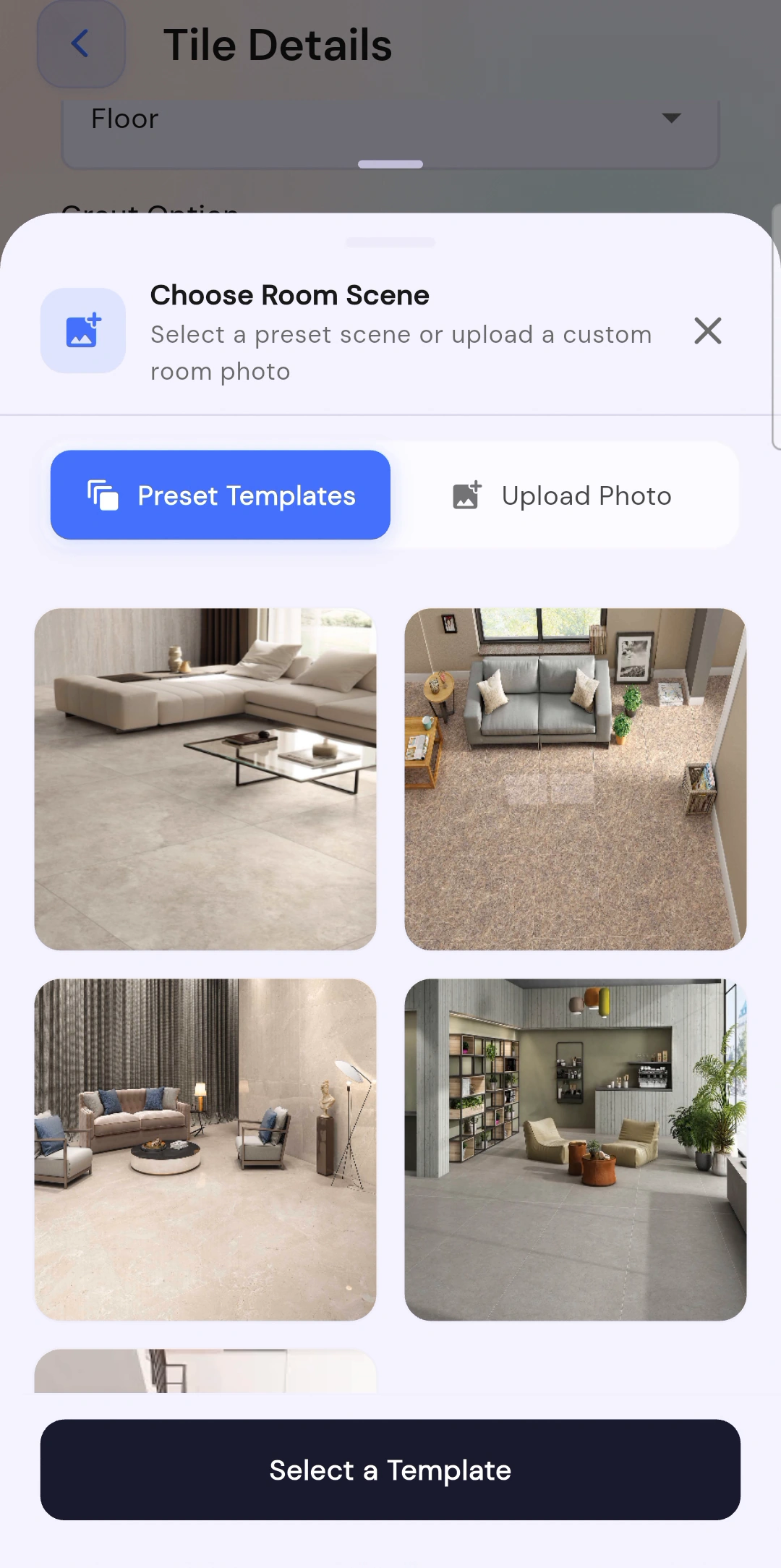
While it works
Fitting stone to selected area…
The marble or tile is lined up with your chosen surface.
Rendering natural marble texture…
Veining, Bookmatch and gloss are kept true to the slab.
Preview ready
Save it, share it, or find it later in History.

Fitting stone to selected area…
True to the slab
The run of the veins follows the real slab, not a repeating pattern.

Mirrored slabs meet the way they would when your fitter lays them.
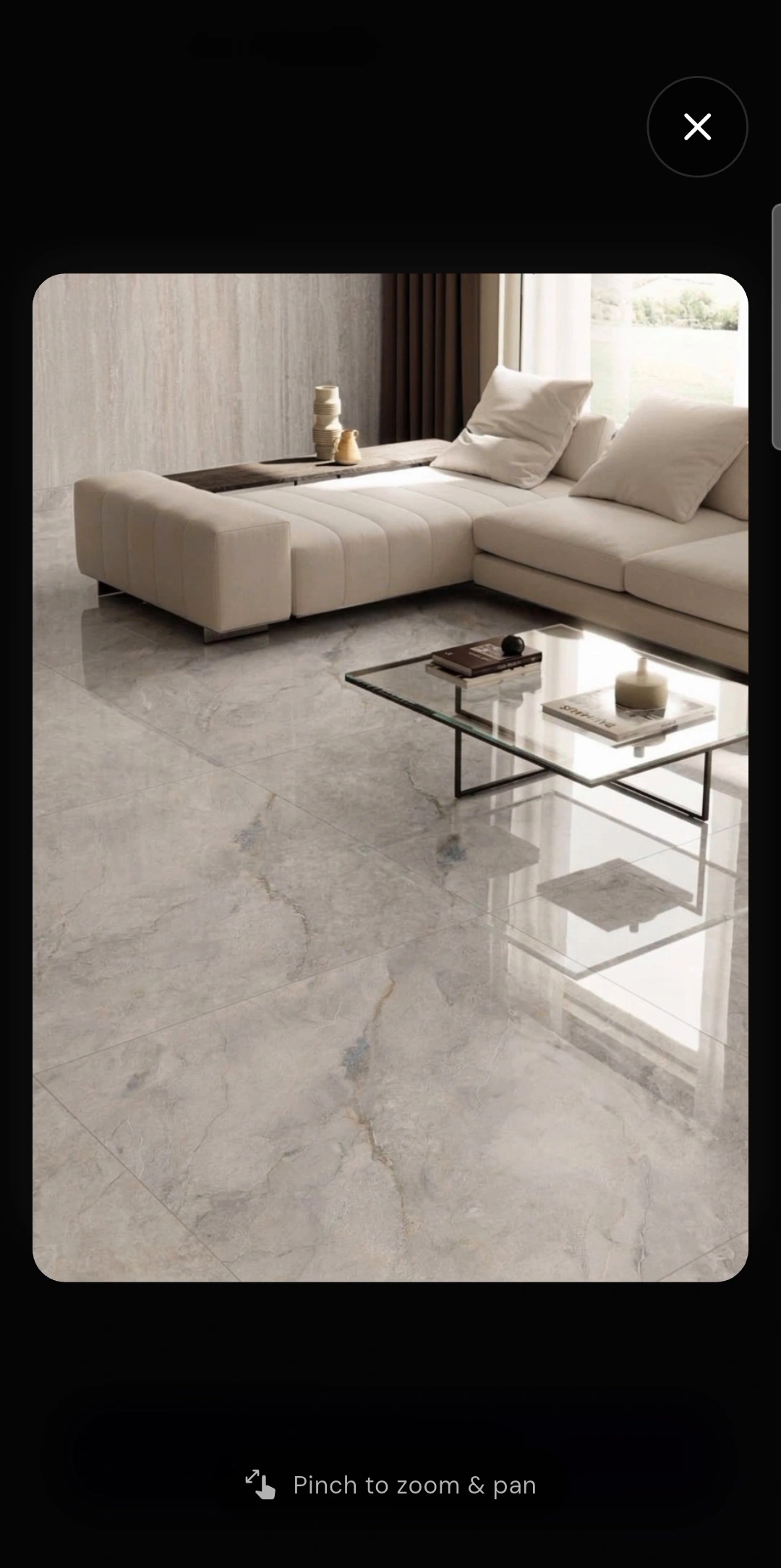
Polished stone reflects the room. Honed and matte stay soft.
Results
Pick Studio Render next to Instant Preview in the app. Ask us how it fits the way your showroom sells.

Request a demo
See Visionum with your own catalogue. We'll set up a demo around the marbles and tiles you actually sell.